Creative · Self-paced course
Motion Graphics Basics
Learn the fundamentals of motion design, from timing and easing to animated text and logos, and produce short motion pieces for social and web.
$350
One-time payment · Self-paced course · 6 modules · 18 lessons
Enroll now — $350Read a free preview lesson
What this is
Motion graphics make information easier to follow and content more engaging, but the software can feel overwhelming at first. This course starts with the principles that make motion look good: timing, spacing, easing, hierarchy and rhythm. You then apply them to practical projects such as animated titles, lower thirds, simple logo reveals and short explainer sequences. Lessons are tool-agnostic with worked examples in common motion software. You finish with three short motion pieces suitable for a portfolio or your own channels.
You work through it at your own pace, lesson by lesson, applying each exercise to your own situation. It does not promise followers, clients or sales; results depend on your practice, your audience and how consistently you apply the methods.
What you will be able to do
- Apply timing, spacing and easing principles to make motion feel natural
- Plan motion pieces with simple storyboards and style frames
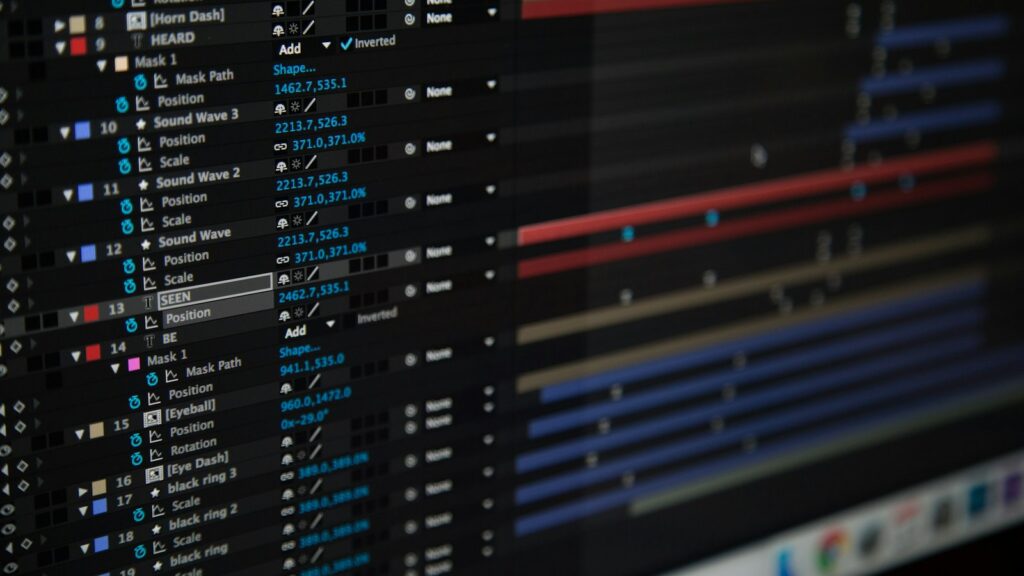
- Animate text, shapes and logos with keyframes
- Build reusable templates such as lower thirds and title cards
- Export correctly for social platforms, web and presentations
The curriculum
Principles of Motion
- Timing and Spacing
- Easing
- Hierarchy in Motion
Planning a Piece
- Brief and Purpose
- Storyboards
- Style Frames
Keyframes and Curves
- Keyframes
- The Graph Editor
- Overlap and Follow-through
Animated Typography
- Animating Text
- Readability
- Kinetic Type Basics
Logos and Simple Explainers
- Logo Animation
- Icons and Shapes
- A Short Explainer
Export and Refinement
- Export Settings
- Reviewing Your Work
- Building a Reel

This is for you if…
- You want to add movement to graphics and videos
- You are new to animation principles
- You want short, clean motion pieces for social and web
- You want a repeatable project workflow
What you get
- 6 modules and 18 lessons, self-paced
- A short practical exercise at the end of every lesson
- A free preview lesson so you can check the format before you buy
- Access in your CourseVu account after a one-time payment
- A clear, ordered path from the fundamentals to applying the skill in your own work
Questions
Do I need any experience to start?
Designers, video editors, marketers and creators who want to add motion to their skill set. Basic familiarity with any design or video software is helpful; no animation experience is needed.
How long does it take?
It is self-paced. There are 6 modules and 18 lessons, and you can move through them as quickly or slowly as suits you.
Can I see a lesson before I buy?
Yes. Use the "Read a free preview lesson" button to open a full lesson from the course before you enroll.
Does this promise income or business results?
No. It does not promise followers, clients or sales; results depend on your practice, your audience and how consistently you apply the methods.
Does this include a certification or credential?
No. This is a practical skills course for your own learning. It does not award a certification, licence or professional credential.
Educational content only. No income, revenue or earnings results are promised or implied. What you get out of this depends entirely on your own effort, circumstances and market. Earnings disclaimer.